
Key Words: Silicon Wafer Dicing PCB Depaneling Glass Cutting
Home > News > Industry News
【Description】:
Learn how to laser mark polypropylene (PP) sheets, including suitable laser types, marking effects, key process factors, and Chanxan laser marking solutions.
Polypropylene (PP) is one of the most widely used thermoplastic materials in industrial manufacturing. It is lightweight, chemically resistant, electrically insulating, and relatively easy to process—making it common in packaging, automotive components, electronics, medical products, and industrial parts.
As product traceability and permanent identification become increasingly important, manufacturers often need to add serial numbers, logos, QR codes, production dates, or other information directly to PP components and sheets.
Yes. Polypropylene can be laser marked, although the marking result depends heavily on the PP formulation, pigments, fillers, additives, and the laser wavelength used.
During laser processing, energy is absorbed by the material or by laser-sensitive additives within the polymer, creating controlled changes on or near the surface to produce visible contrast.
Depending on the material formulation and process parameters, laser marking on PP may involve:
Surface color change
Foaming or controlled whitening
Surface modification
Carbonization in specific formulations
Removal of a surface coating or printed layer
Process Optimization Note:
The goal is not simply to apply maximum laser energy. Excessive heat input on PP materials causes melting, burning, deformation, or poor edge definition. The process must be optimized based on the material response.
Integrated directly into the PP surface, offering superior durability compared to printed markings or adhesive labels.
Eliminates mechanical tool wear and reduces deformation risks caused by contact pressure.
Delivers fine text, serial numbers, logos, and high-density machine-readable codes with high positional accuracy.
Eliminates the need for inks, solvents, or printing plates, lowering operational costs and simplifying production.
Marking patterns can be instantly modified via software, making it ideal for variable data, sequential serial numbers, and small batches.
Product logos & Brand names
Serial numbers & Batch numbers
Production dates & Timestamps
QR codes & Data Matrix codes
Standard Barcodes
Technical symbols & Identification graphics
There is no single laser source that is universally ideal for every PP material. Selection depends on: PP Material Formulation + Color/Pigment + Fillers/Additives + Required Contrast + Feature Size + Production Speed.
Ideal for precision processing. Its shorter wavelength reduces thermal impact, making it optimal for ultra-fine features and heat-sensitive PP formulations.
Widely used in industrial environments. Results vary depending on material pigments or the presence of laser-marking additives.
Used when extreme thermal control and exceptionally high-definition micro-features are mandated by application specs.
Equipment Selection Golden Rule:
Choose the laser according to the actual material properties and marking requirements—not simply by picking the highest technical specification.
PP Color and Pigments: Dark and light PP sheets absorb laser energy differently and require tailored parameters.
Additives and Fillers: Mineral fillers, glass fibers, flame retardants, and masterbatches heavily dictate energy absorption.
Laser Wavelength: Selecting between UV, Infrared Fiber, or other sources must be verified via actual sample testing.
Power and Energy Density: Low energy yields low contrast; excessive energy causes surface melting, burning, or deformation.
Marking Speed and Pulse Settings: Speed, frequency, and overlap must balance contrast, readability, material protection, and line speed.
Causes: Low absorption, incorrect wavelength, lack of laser additives, improper energy density.
Solution: Perform sample testing across multiple laser configurations and parameter sets.
Causes: Excessive thermal input, slow marking speed, high pulse overlap.
Solution: Reduce energy input, optimize pulse frequency, and increase scan speed.
Causes: Energy density too high, excessive pass repetition, incorrect focus position.
Solution: Re-calibrate power density, frequency, focal plane, and scanning strategy.
Causes: Unannounced changes in material supplier, masterbatch pigments, or filler content.
Solution: Establish strict raw-material specifications and maintain locked parameter profiles.
Packaging & Containers
Production codes, batch numbers, and high-speed traceability markings.
Automotive Plastic Components
Part identification numbers, manufacturing codes, logos, and traceability graphics.
Electronics & Electrical Parts
Model numbers, compliance/certification symbols, serial numbers, and 2D QR codes.
Industrial Plastic Components
Technical data matrices, operational instructions, and corporate branding.
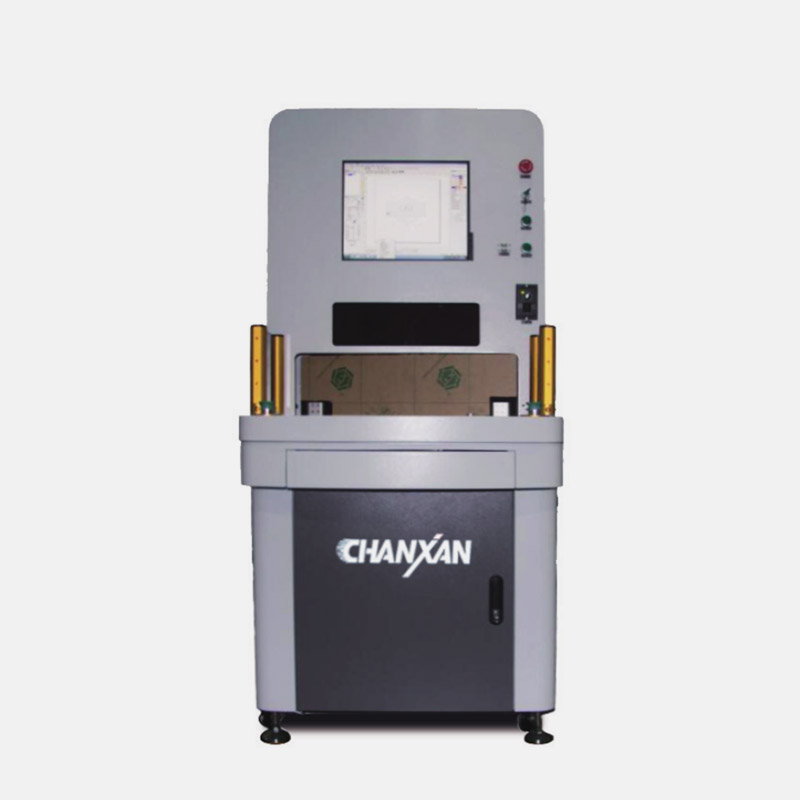
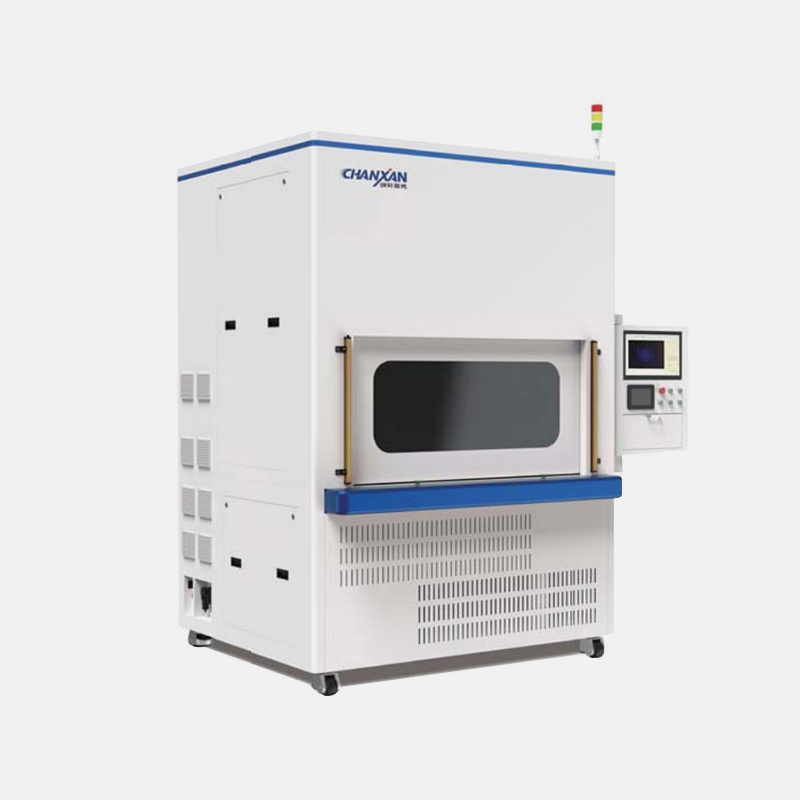
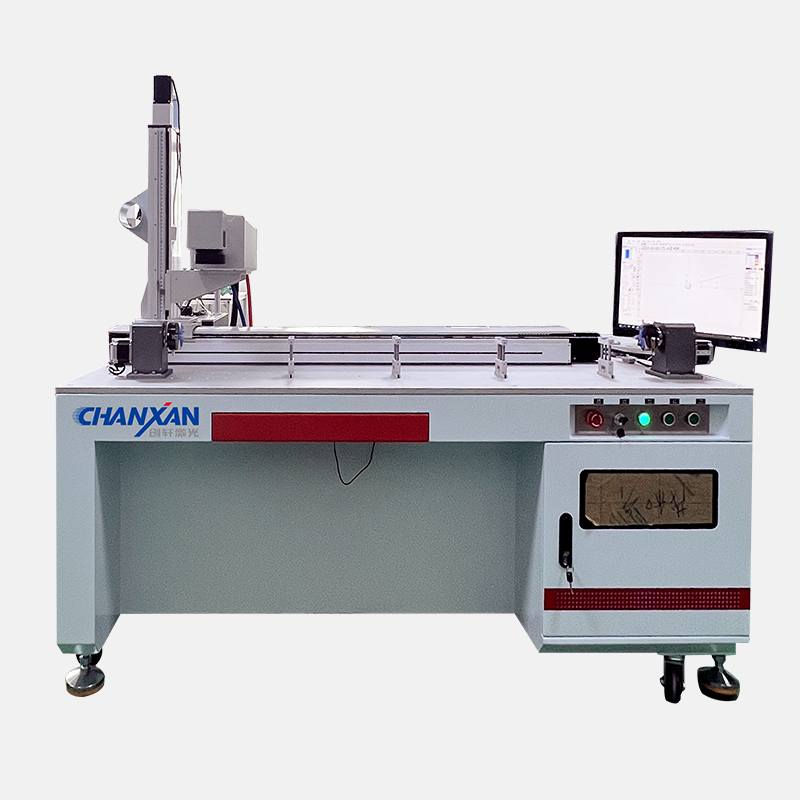
Chanxan configures industrial laser marking systems based on exact material characteristics and target marking effects:
Before selecting a machine, prepare the following parameters for our engineering team:
1. Material Spec: PP grade, thickness, color, fillers, or specific additives.
2. Marking Design: Text, logo, QR code, serial numbers, required contrast level.
3. Marking Size: e.g., Area 50 × 50 mm, Min character size 0.5 mm, Module size.
4. Production Capacity: Parts per hour, manual vs. automated inline integration.
5. Quality Standards: Code readability, surface finish, maximum allowed thermal impact.
Send Chanxan your material specifications, thickness, artwork, and production targets. Our engineers will evaluate your application and recommend an optimized industrial laser marking solution.
Request Laser Processing Evaluation| Free solution
Previous: лазерная пайка для ювелиров
Next: Soap engraving